How to Join an Abiotic Factor Dedicated Server with a Pirated Copy
In some cases, you may need to connect to an Abiotic Factor Dedicated Server using an unofficial copy of the game. The most common connection issues are caused by an outdated game client or missing components required for multiplayer. This guide explains how to install the latest version of the game along with the necessary files.
Installing SteaMidra
SteaMidra is a tool for installing and updating Steam games using manifests, Lua scripts, and LumaCore. It automatically downloads the required files and helps you install the latest game version. It does not replace or modify the Steam client.
- Temporarily disable Windows Defender to prevent it from blocking the
Setup.exeinstaller during installation.
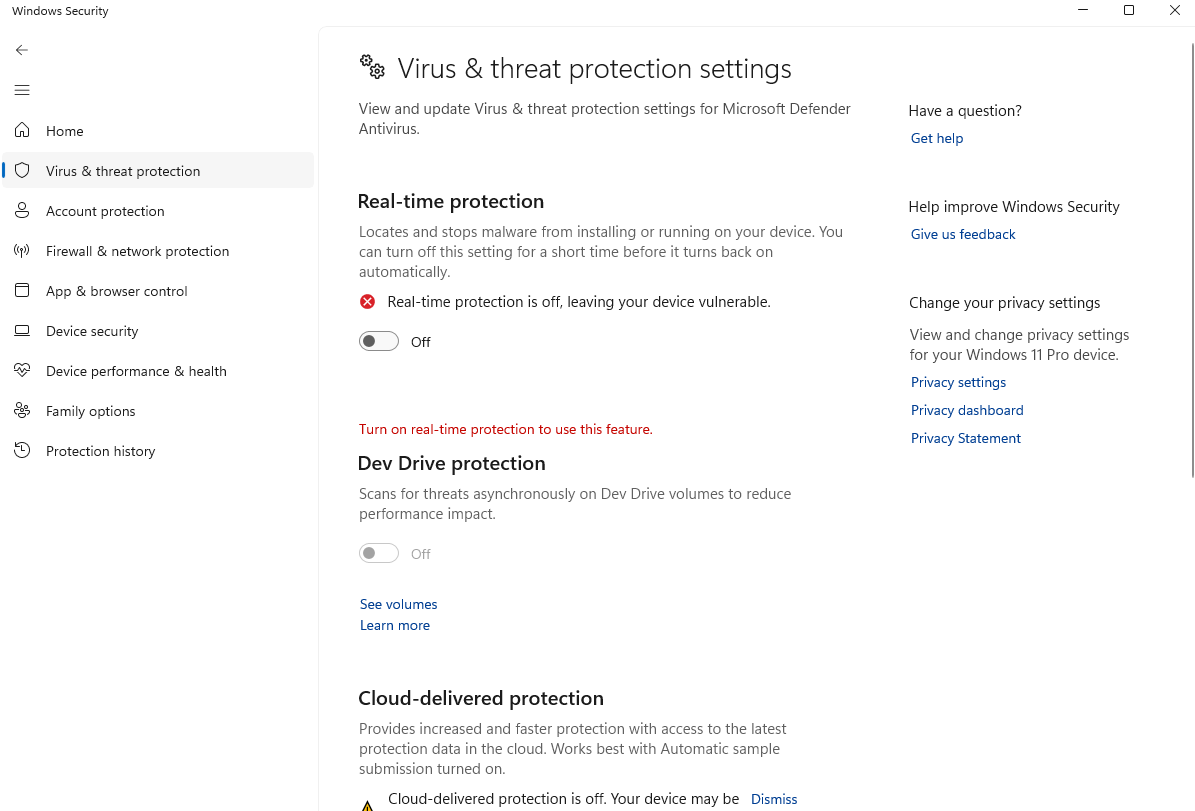
- Download the latest version of SteaMidra here.
- Install and launch SteaMidra.
- Check for updates and install LumaCore.
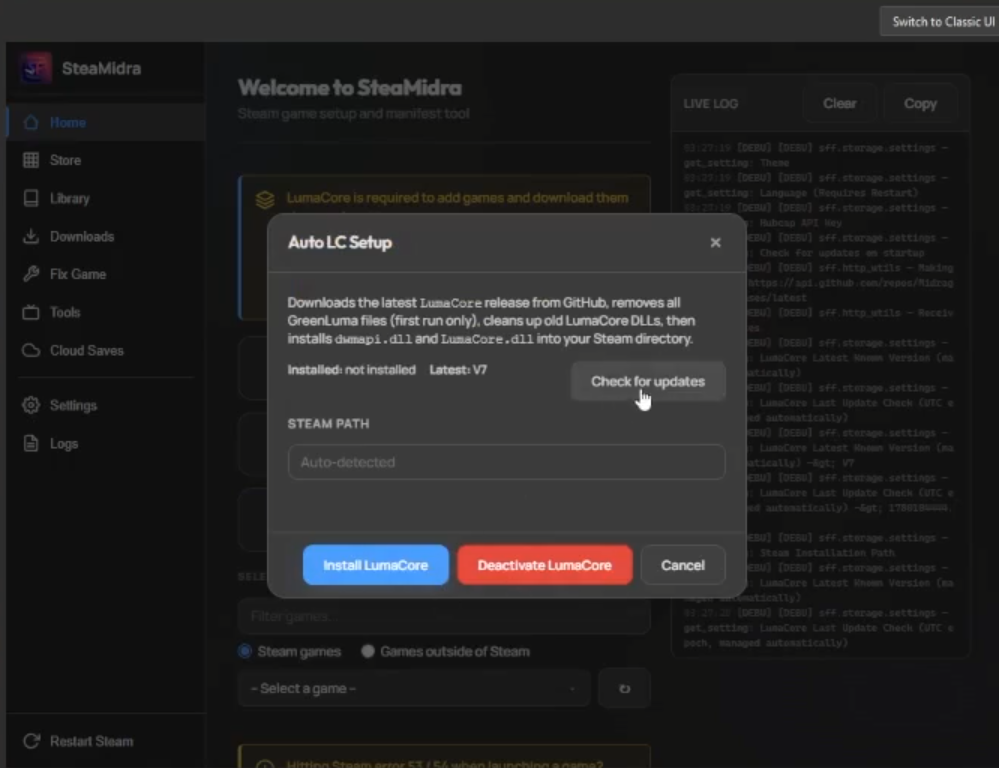
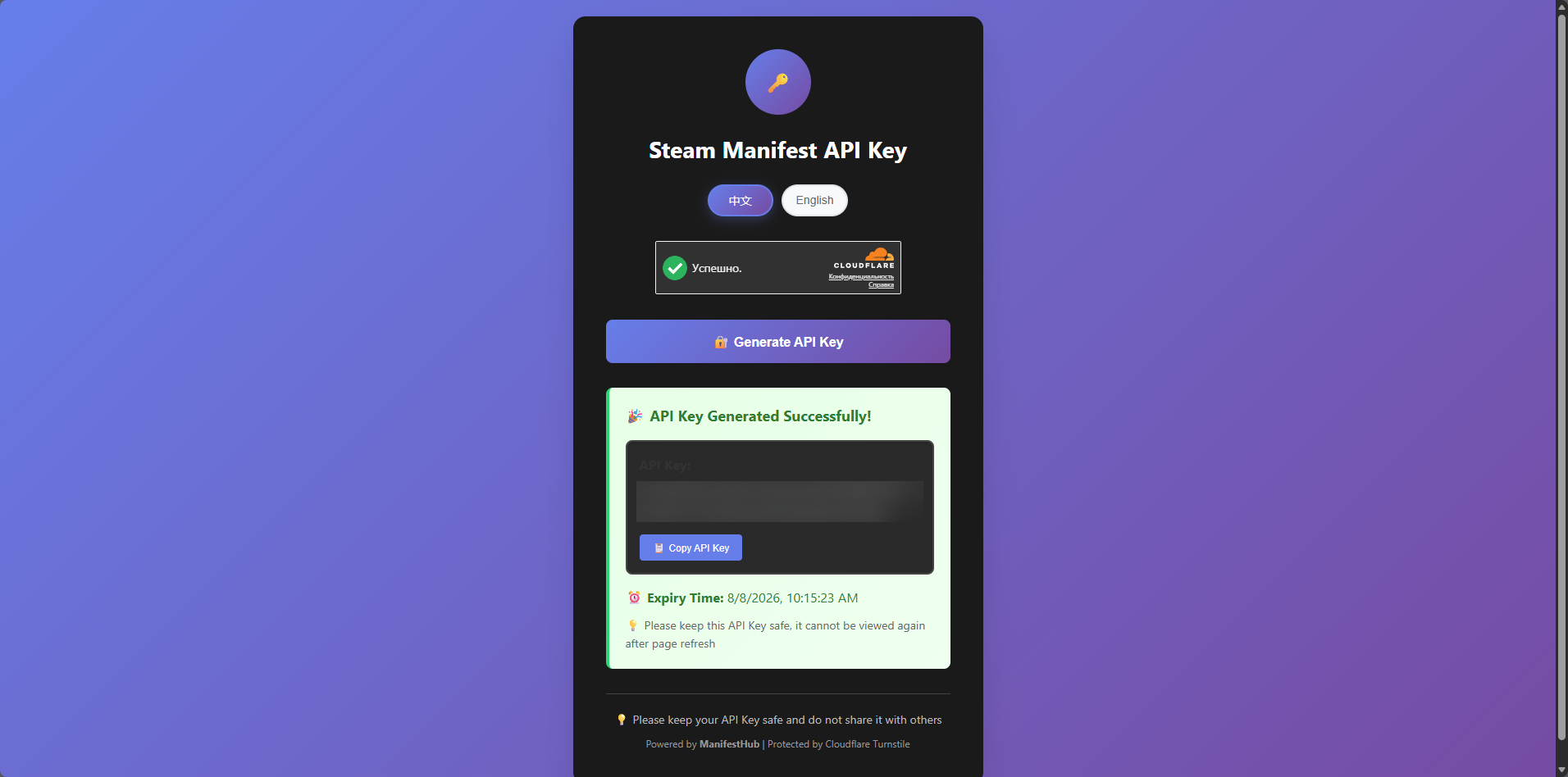
- Obtain a Manifest API Key from the corresponding website.
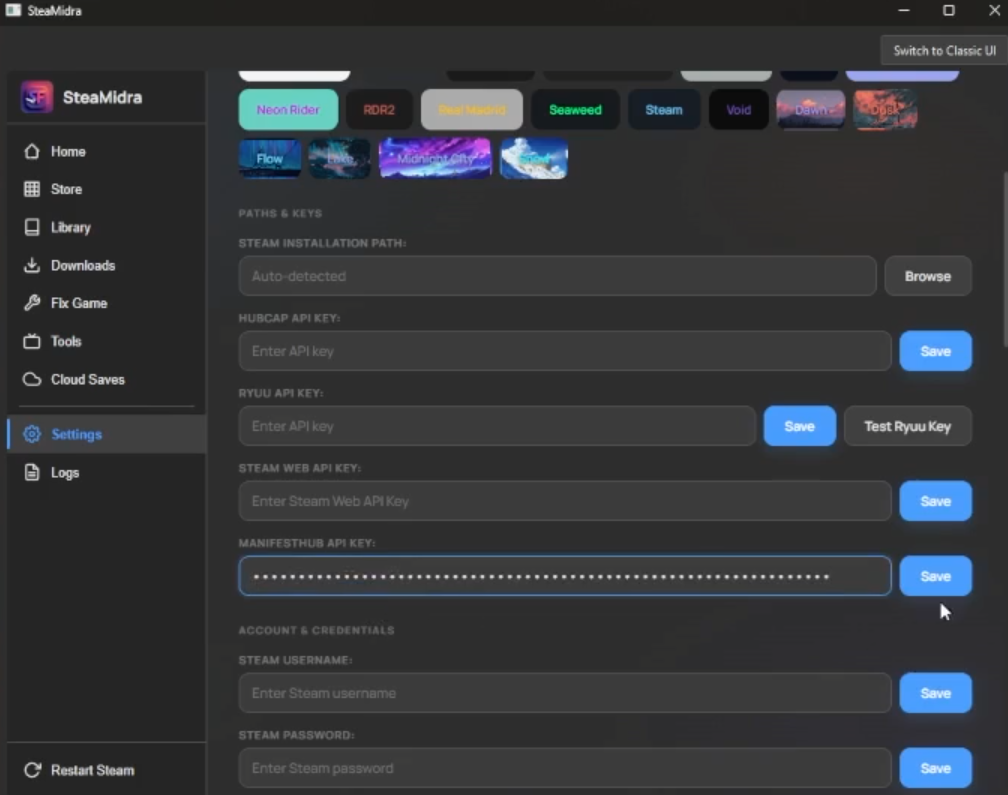
- Paste the API key into the SteaMidra settings.
- Open the Store tab, install the latest version of Abiotic Factor, then use the launcher to install Multiplayer Fix.
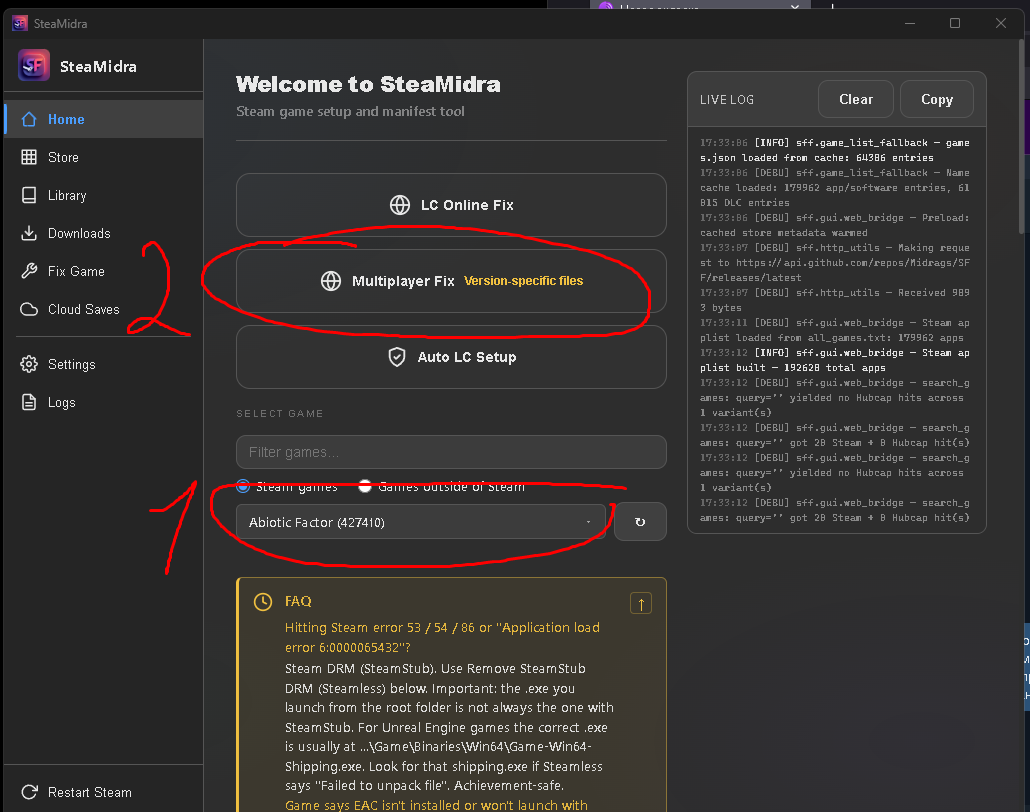
- A webpage will open where you can download and install Online Fix.
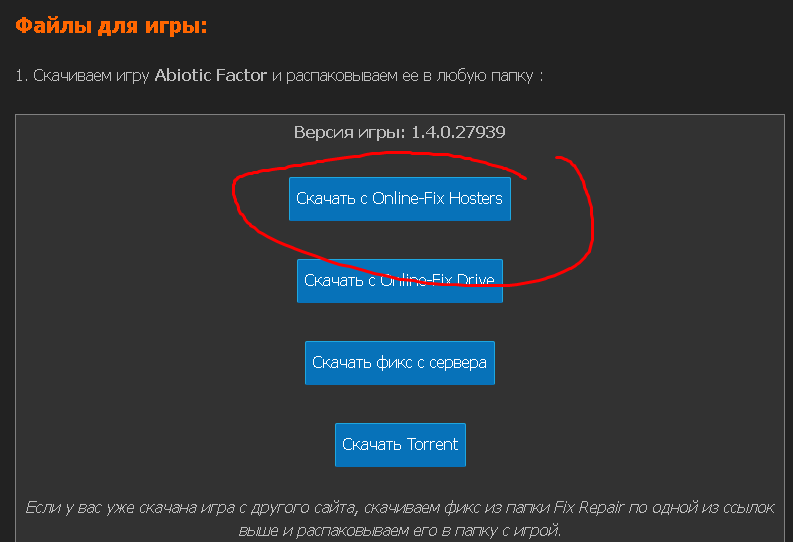
- After installing Online Fix, launch Abiotic Factor and verify that everything works correctly.
If you run into any issues, you can follow this video tutorial.
The article was written with @tra8.